An app cloner for Android
An app cloner (or clone app) makes a second, independent copy of an app already installed on your phone. The copy keeps its own sign-in, chats and settings, so you can run two accounts of the same app side by side. Duo Clone does this on Android 6 to 16.
What does an app cloner do?
It runs a second copy of an app beside the original, with its own storage, so the copy’s sign-in, chats and settings never touch the original. That is how one phone holds two accounts of the same app, both signed in.
Duo Clone builds the copy for you in a few taps. You label each copy with a name, an icon and a colour, and group copies into account spaces. It copies only apps already installed on your phone, it is for Android only, and its only official channel is Google Play.
Not to be confused with “phone clone” tools that move your data to a new phone: an app cloner copies one app on the same phone so you can sign in twice.
Why do people clone apps?
Split work and personal
Keep a work chat account and a personal one open on the same phone.
Run a second shop or page
Sellers and creators manage another account without logging out.
Keep a second game profile
Play on a second profile without switching accounts every time.
Test as another user
See an app the way a fresh account sees it.
How do you clone an app with Duo Clone?
You clone an app in four steps: pick an app already on your phone, make a copy, label it, and sign in with your other account. Both accounts stay signed in, so you can open either one without logging out.
Pick an app
Choose any app already installed on your phone.
Make a copy
Duo Clone builds a separate copy that runs next to the original. Batch create makes up to 5 copies in one go.
Label it
Give the copy its own name, icon and colour badge.
Sign in, open
Log in with your other account in the copy.
Every screen explained: how to clone an app on Android, step by step
How does cloning an app work?
Duo Clone runs the copy inside its own clone engine, written from scratch. The copy gets a storage area of its own, so its sign-in, chats and settings are kept apart from the original app, which stays installed and unchanged.
Every copy runs inside Duo Clone’s engine under one app identity, Duo Clone’s own Android UID. A copy is not a second install of the app. That is why a copy separates accounts well but is not a security sandbox: copies are not walled off from each other the way two Android users or a work profile are.
The longer explanation: what an app cloner is and what it keeps apart
What can each copy have?
Each copy can have its own name, icon and colour badge, so you never mix copies up. You can group copies into account spaces such as Account 1 and Account 2, and switch the list between a view by app and a view by account, as a grid or a list.
Copies you want out of sight can sit in a locked Private Space, and Incognito mode disguises Duo Clone’s own home-screen icon.
Managing more than two accounts? run multiple accounts at once
Which apps can’t be cloned?
Banking, wallet and other apps that ask Android for a secure environment can’t be cloned. They refuse to run in a copy, and Duo Clone blocks them on purpose. Keep using those apps in the original. Duo Clone also copies only apps already installed on your phone.
The full list of reasons: which apps can’t be cloned, and why
Does Google sign-in work in a copy?
Yes. Duo Clone includes microG, an open-source stand-in for Google’s sign-in services, so apps that ask you to sign in with a Google account work inside a copy. Copies in the same account space share one Google sign-in, so put a copy in a new space when it needs a different Google account.
How it works: Google sign-in in cloned apps
Is cloning safe, and what does Duo Clone read?
Cloning keeps your accounts apart, but a copy is not a security vault. It shares your phone’s Android user with Duo Clone, so use copies for separate logins, not to isolate untrusted apps. Duo Clone reads the installed-apps list on the phone only, so you can pick an app. Everything inside a copy stays on your phone, and crash reports leave it only if you turn them on.
Some apps limit extra logins or copies in their terms. Duo Clone can’t promise how another service treats your account, so check each app’s terms before you clone it.
Risks worth weighing first: is an app cloner safe
Where should you get an app cloner?
Get it from Google Play. An app cloner runs the apps you trust it with, so where it comes from matters: a Play install is signed by its developer, scanned by Play Protect and updated through Play. Google Play is the only official channel for Duo Clone, and this site never offers an APK file.
Why the source matters: app cloner APK or Google Play
What happens to a copy’s data?
Deleting a copy erases everything stored in that copy from your phone. Make an encrypted backup first: Duo Clone saves the copy to a file locked with your own password, and you can restore it later as a new copy or over an old one.
Step by step: back up and restore a cloned app
What happens to a copy when the original app updates or is removed?
A Duo Clone copy updates together with the original app, because the copy runs from the original app’s own installed files instead of a separate copy of them. When Google Play updates the original, the copy uses the new version the next time you open it. The copy’s sign-in stays put, since it is stored inside Duo Clone, apart from the original.
A Duo Clone copy needs the original app on the phone to open. If the original is no longer installed, Duo Clone labels the copy “Removed” and says “This app is no longer on your phone”. The copy’s data stays inside Duo Clone until you delete the copy, and installing the app again from Google Play lets the copy open again. Keep the original app installed while you use its copies.
How many copies can I make?
Batch create makes 1 to 5 copies of an app in one go, each in its own Account with its own sign-in, and you can run it again whenever you need more. Other apps already installed on your phone are copied the same way.
Guides in this topic
Each guide goes deeper into one question from this page.

What Is an App Cloner? A Guide for Android Phones
An app cloner makes a second copy of an Android app so two accounts stay signed in at once. Each copy keeps…4 min read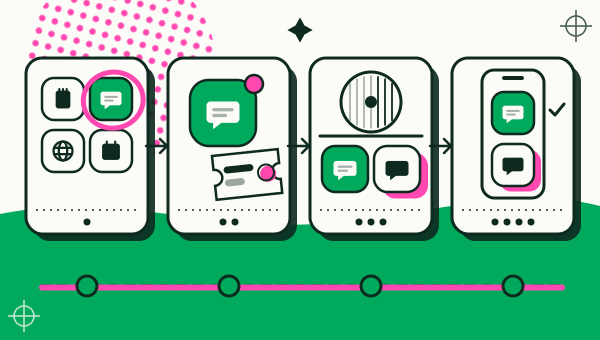
How to clone an app on Android, step by step
How to clone or duplicate an app on Android with Duo Clone: pick the app, name the copy, sign in with a…4 min read
Is an App Cloner Safe? What to Know Before You Clone
An app cloner is safe when it comes from a developer you can identify on Google Play and you use copies for…4 min read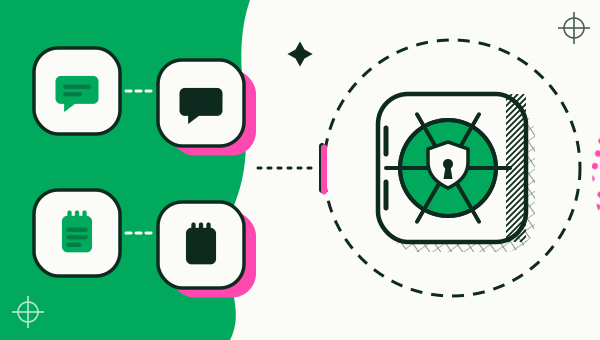
Apps That Can't Be Cloned on Android, and Why
Banking and wallet apps refuse to run in a copy. Duo Clone marks them Protected in the Add App list and…3 min read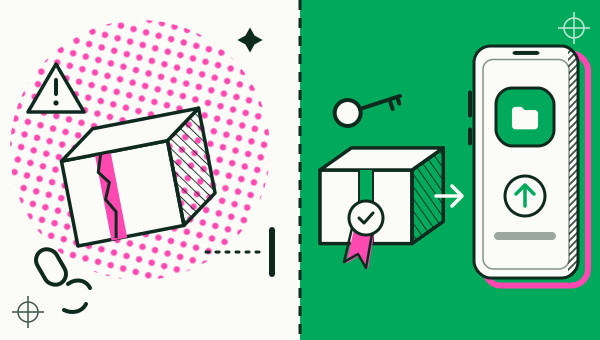
App cloner APK vs Google Play: where to install from
An app cloner APK from a random site is riskier than a Play install: you can't tell who built it, and it may…6 min read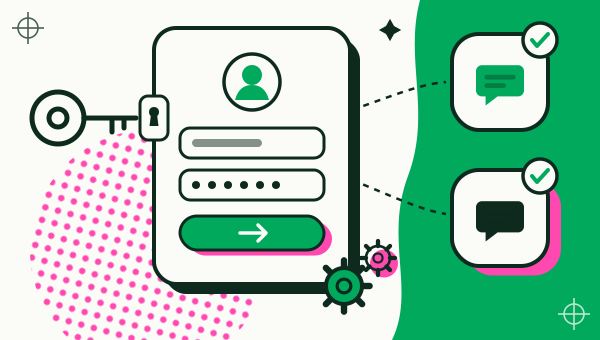
Google Sign-In in Cloned Apps: Does It Work?
Google login works inside a Duo Clone copy through bundled microG. Why some cloners break it, and why copies…5 min read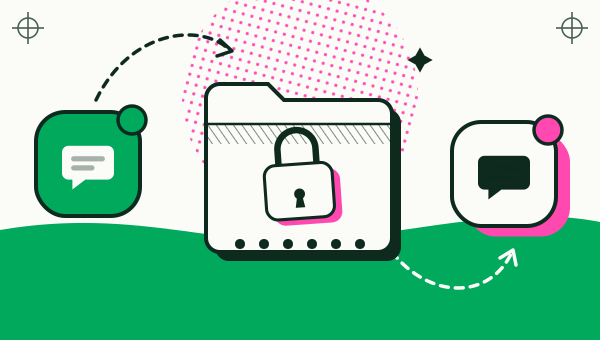
How to back up and restore a cloned app on Android
Back up a cloned app to a .xbak file locked with a password of 6+ characters, then restore it as a new copy…5 min read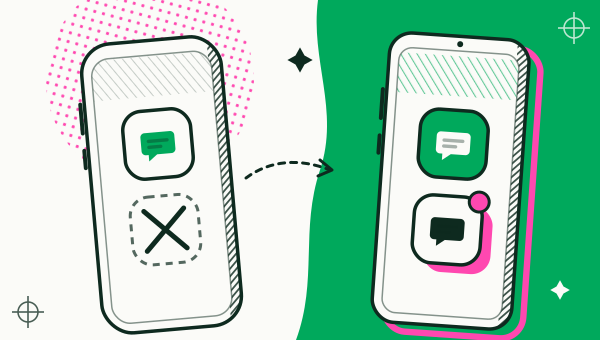
Can You Clone Apps on iPhone? What iOS Allows
iPhone has no built-in way to clone an app the way Android does, and Duo Clone runs on Android only. What…3 min read
Questions people ask first
Is cloning an app allowed?
Duo Clone only copies apps already installed on your phone and follows Google Play policy. Some apps limit extra logins or copies in their terms, so check the terms of each app you clone.
Can I clone banking apps?
No. Apps that require a secure environment are blocked from copies on purpose.
Can I add more copies later?
Yes. Make another batch at any time: new copies go into the next free Accounts, and the copies you already have stay as they are.
Is there an app cloner for iPhone?
Not from us. Duo Clone runs on Android 6 to 16 only, and there is no iPhone version.

Your second account is one copy away.
Google Play is the only official channel for Duo Clone. This is the icon to look for.