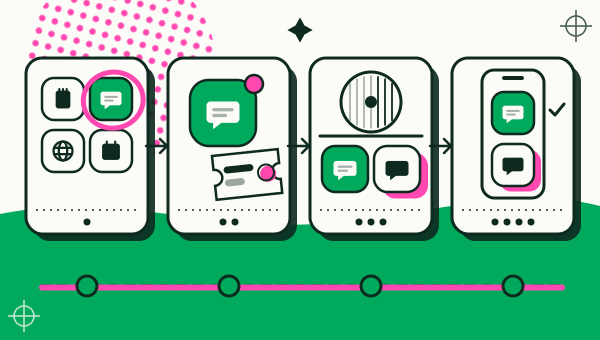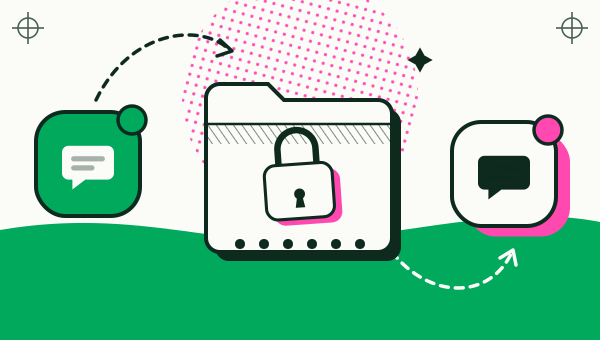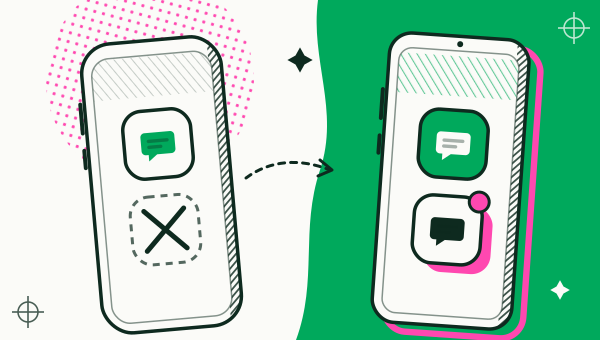
Apps that ask Android for a secure environment, mainly banking and wallet apps, cannot be cloned with Duo Clone. It marks them Protected in the app list and blocks them on purpose, because they refuse to run in a copy. The label shows before a copy is made, Duo Clone does not work around the block, and these apps stay in their original install.

Which apps can’t be cloned?
Banking, wallet and other apps that ask Android for a secure environment cannot be cloned, because they handle money or identity and refuse to run in a copy.
You cannot always tell by the app’s category alone. A payment app, a banking app, an e-wallet or a government identity app may all ask for this. The reliable way to know is the Protected label in Duo Clone’s Add App list.
How do you know before you try?
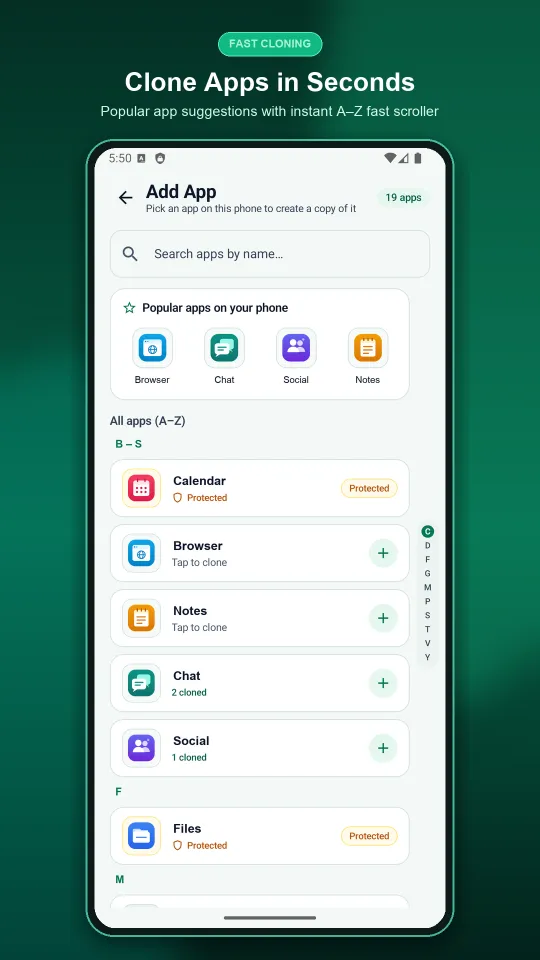
Open Duo Clone’s Add App screen and look for the Protected label next to the app. Duo Clone shows it on the apps it knows ask Android for a secure environment, so you see the answer before a copy is made. Apps you can copy show “Tap to clone” and a plus button instead.
Why does Duo Clone block them on purpose?
Duo Clone blocks them because a copy cannot give an app the secure environment it asks for, and Duo Clone will not pretend otherwise. It does not change device IDs and does not spoof GPS, and it does not try to disguise a copy as the original.
Blocking is also the honest choice for your safety (see is cloning apps safe for the wider picture). A copy shares your phone’s Android user with Duo Clone and is not a hardened security sandbox. Money and identity apps should stay where they were designed to run.
Does the Protected label mean other apps are guaranteed to work?
No. Protected marks the apps Duo Clone knows will refuse. For other apps, Duo Clone cannot promise that every feature works in a copy, and some apps may behave differently from the original. The simplest test is to make the copy, sign in and use the features you need.
Two other things to check first:
- Does the app already have an account switcher? Some apps let you sign in to several accounts inside one install. If yours does, you may not need a copy.
- What do the app’s terms say? Some services limit multiple accounts or modified apps. Duo Clone cannot tell you what each app allows, so read the terms of every app you copy.
What can you do instead for a protected app?
Keep using the original app, and look at what your phone already offers. If you need to separate accounts, check the app’s own account settings, or your phone’s built-in feature. Many brands include one; Dual Messenger on Samsung shows how that works and where it stops. Whether a built-in feature accepts a given banking app is decided by the phone brand and the app, not by Duo Clone.
Do not use tools that promise to fake your device or location so a banking app will run in a copy. Duo Clone does not do this, and neither should you rely on anything that claims to.
To see what Duo Clone does and does not do, read the app cloner for Android page, and the FAQ for the short answer on banking apps. If you are new to the idea, start with what an app cloner is. When you are ready to make your first copy, follow the step-by-step guide to two accounts on one phone.
How we checked: the Protected label and the “Tap to clone” button were compared with the Duo Clone app on 18 November 2026, on an Android 16 emulator with generic sample apps. Google’s Play Integrity API overview (read 18 November 2026) explains how an app can check that it is the genuine app on a certified device; banking and payment apps use checks of this kind.