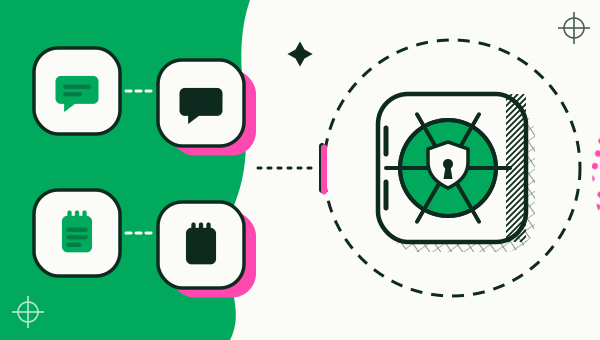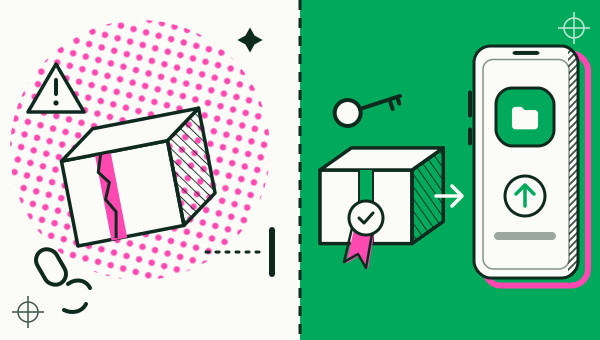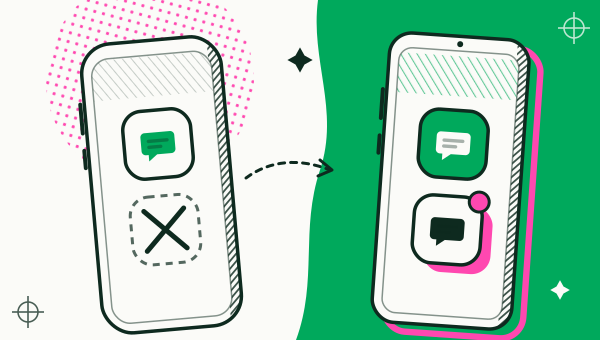
An app cloner is a tool that makes a second, independent copy of an Android app already on your phone, so you can stay signed in to two accounts at once. A copy keeps its own sign-in, data and settings, shares the phone’s Android user, and cannot run banking or wallet apps that ask for a secure environment.

What is an app cloner?
An app cloner makes a second copy of an installed app and runs it next to the original, with its own sign-in, data and settings. The original stays exactly as it is. Most Android apps accept one account per phone, so the copy is what lets a second account stay logged in without signing out of the first.
You will also see the same idea called “dual apps”, “app cloning” or “multiple accounts”. They describe one job: two copies of one app, two logins.
What does a cloned app keep separate?
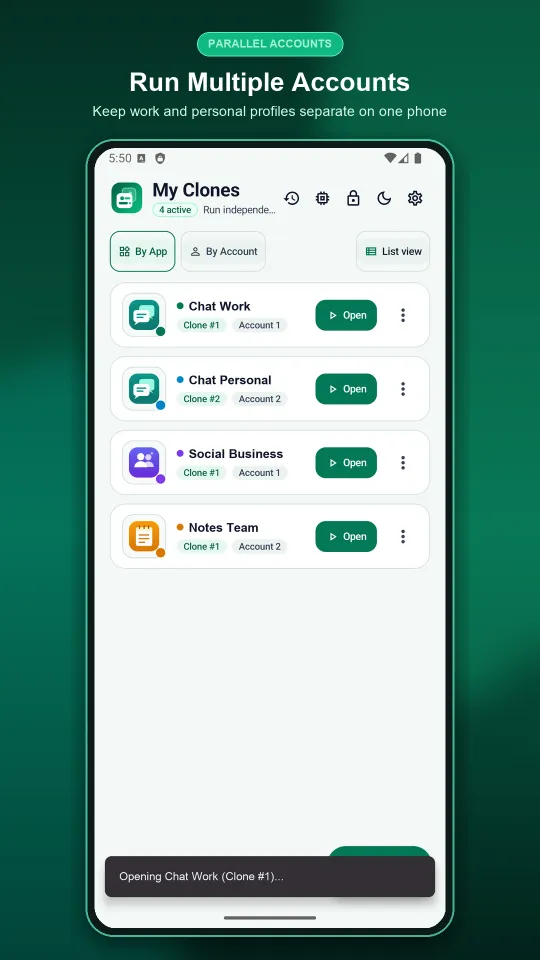
A copy keeps its own storage, so its sign-in, chats and settings never touch the original. In Duo Clone every copy appears in a list called My Clones with its own name, icon and colour badge, and an Open button starts it.
What a copy does not keep separate is the phone itself. Copies share your phone’s Android user with Duo Clone, so they keep accounts apart but are not a security sandbox. The limits section below says more.
Why would you clone an app?
People clone an app when one account per phone is not enough. The usual reason is splitting work and personal: a work chat account and a personal one stay open on the same phone. Sellers and creators run a second shop or page without logging out, players keep a second game profile, and testers open an app the way a brand-new account sees it.
If you juggle several accounts at once, the multiple accounts guide shows how these setups look in practice.
What does Duo Clone add to a basic app cloner?
Duo Clone adds ways to organise and protect copies once they exist. It runs on Android 6 through Android 16, and Google sign-in works inside a copy because Duo Clone includes microG (more on Google sign-in in cloned apps).
- Names, icons and colours. Each copy gets its own badge colour and name, so you never mix them up.
- Account spaces. Group copies as Account 1, Account 2 and so on, and switch the list between by-app and by-account views.
- Encrypted backup. Save a copy to a file locked with your own password, then restore it as a new copy or over an old one (how to back up and restore a cloned app).
- Memory manager. See real RAM and storage per copy, stop one, or clear its cache (reduce battery and RAM use).
- Quick switch. Jump between running copies from a bubble or a quiet notification.
- Private space. Hide copies behind a PIN or your fingerprint.
Duo Clone is free to use. Google Play is the only official channel for Duo Clone; it is never offered as an APK. For the full picture of the product, see the app cloner for Android page. If you are comparing other cloners on Google Play, see apps like Parallel Space.
What can an app cloner not do?
No app cloner can turn a copy into a vault, and none should be used for banking or wallet apps. Duo Clone says this plainly:
- No banking or wallet apps. Apps that ask Android for a secure environment refuse to run in a copy, and Duo Clone blocks them on purpose. Apps that cannot be cloned explains how to spot them.
- No fake device or location. Duo Clone does not change device IDs or spoof GPS. A copy is your phone, logged in twice.
- Separate logins, not a vault. Copies share your phone’s Android user, so an app you do not trust is no safer inside a copy.
- Only apps you installed. Duo Clone copies apps already on your phone and never downloads code from outside Google Play.
- Android only. There is no iPhone version.
Each app’s own terms still apply. The risks of cloning an app gives the longer answer.
How do you try it?
Install the app you want to copy, add it in Duo Clone, give the copy a name, and sign in with your second account. The step-by-step guide to running two accounts on one Android phone walks through each tap. If your phone is a Samsung Galaxy, read Dual Messenger on Samsung first to see what your phone already offers. Short answers to common questions are in the frequently asked questions.
How we checked: the My Clones list, the Account views, backup, the memory manager and Private Space were compared with the Duo Clone app on 18 November 2026, on an Android 16 emulator with generic sample apps. How Android keeps apps apart, with one user ID (UID) per app, is described in Application Sandbox (Android Open Source Project, read 18 November 2026); Duo Clone’s copies all run under Duo Clone’s one UID.