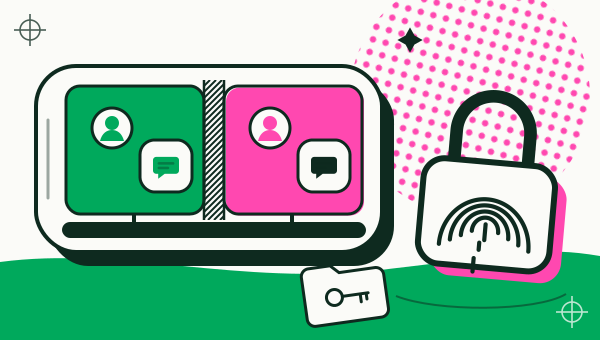
An app cloner is safe to use when it comes from a developer you can identify on Google Play, reads only what it needs, and you treat each copy as a separate login rather than a vault. With Duo Clone, a copy keeps your accounts apart, but it is not a security sandbox, and some apps are blocked on purpose. No app cloner makes an app safer than the original.
Is it safe to clone an app?
Cloning an app is a reasonable way to keep two logins on one phone, and a poor way to protect anything sensitive. Three things decide the risk: where you got the cloner, what the cloner reads on your phone, and which apps you copy.
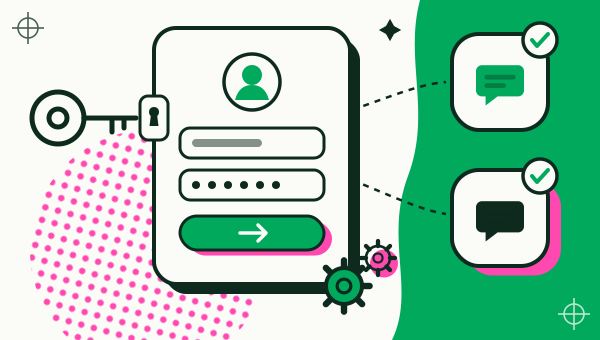
A cloner hosts your logins, so the developer matters more than it does for most apps. Install it only from Google Play, where the listing shows the developer, a privacy policy and the data the app declares (APK or Google Play). Names such as Dual Space and Multi Space belong to several different apps, so go by the developer and the package name too (Dual Space and Dual Space Pro: what to know before you install, apps named Multi Space).
What does Duo Clone read?
Duo Clone reads the list of apps installed on your phone so you can pick one to clone. That check happens on the phone, and the list is not uploaded. It does not read your messages, and everything stored inside a copy stays on your phone.
Two things can leave the phone, and only if you choose them:
- Crash reports. If you turn on “Send crash logs”, Duo Clone sends an anonymised report when it or a copy crashes. The report includes the cloned app’s name and version, your phone model and your Android version.
- A diagnostic log. If you export one, Duo Clone shows a preview first, filters common personal identifiers, and shares the file only when you tap Share.
The full detail of what Duo Clone collects and why is in the privacy policy.
Notifications are optional. The floating bubble is optional too, and it needs Android’s “Display over other apps” permission before it can turn on.
Is a copy a secure sandbox?
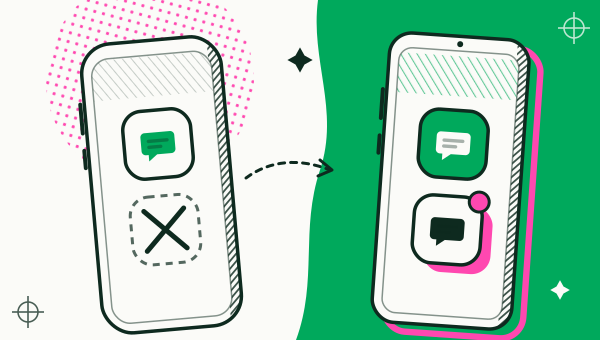
No. A copy keeps your accounts apart, but it shares your phone’s Android user with Duo Clone. Use copies for separate logins, not to isolate an app you do not trust.
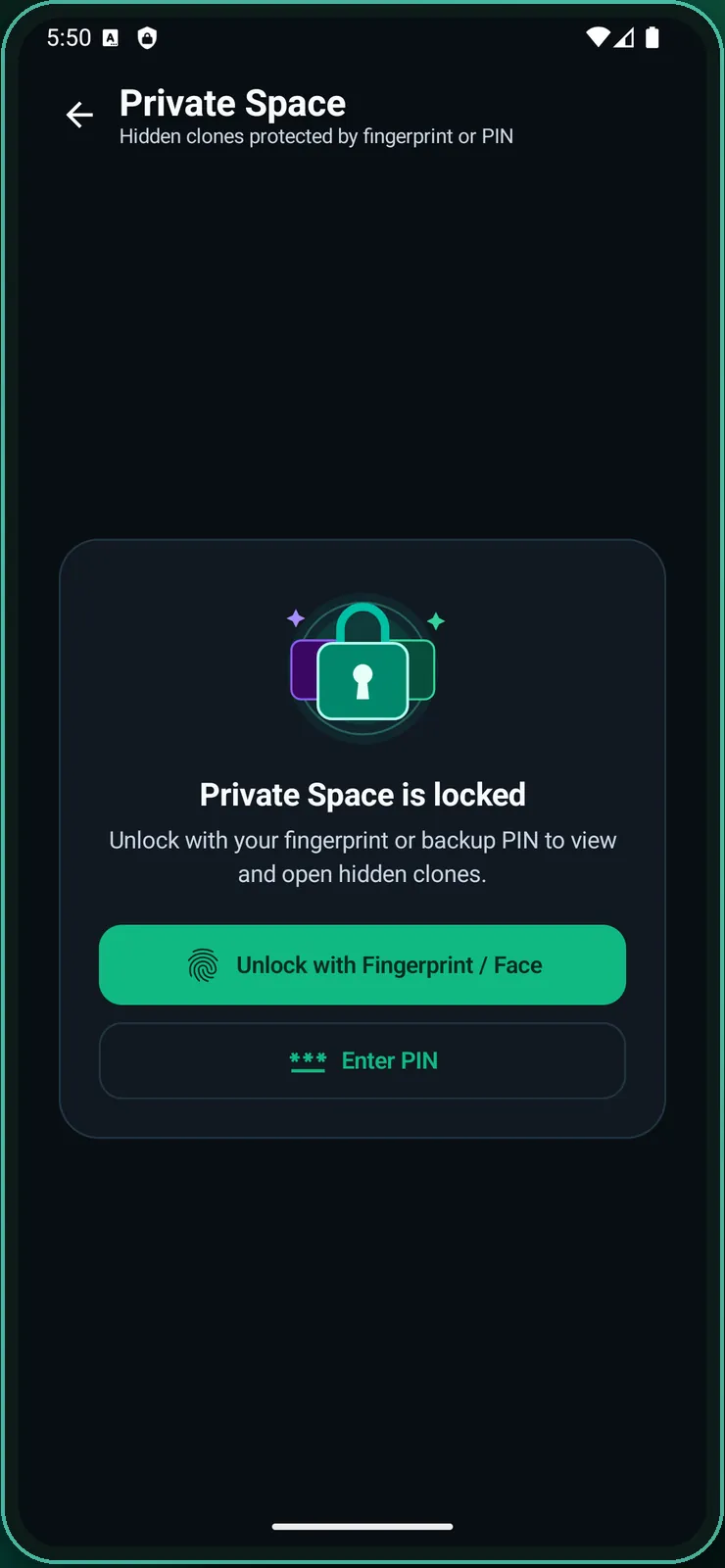
Two settings help with privacy on a shared phone. Private Space hides copies behind a PIN or your fingerprint, and Incognito disguises Duo Clone’s home-screen icon and name. Android cannot hide an app completely, so Incognito only helps with discretion when someone else picks up your phone.
Which apps will Duo Clone refuse to clone?
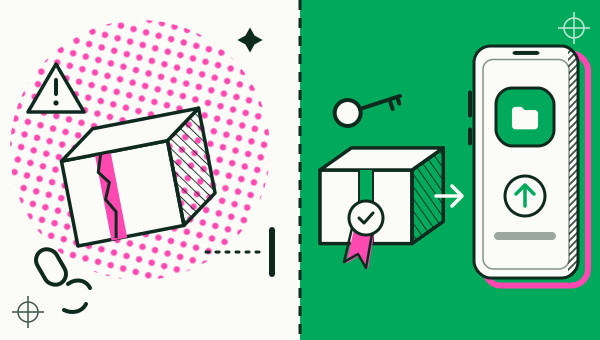
Duo Clone refuses banking, wallet and other apps that ask Android for a secure environment. These apps check that they run directly on your phone, and Duo Clone blocks them from copies on purpose. Use them in the original app (apps that can’t be cloned).
Duo Clone also does not change device IDs or fake your GPS location. A copy is your phone, logged in twice.
Can cloning an app break its terms of service?
Cloning an app can break its terms, depending on the app. Duo Clone only copies apps already installed on your phone and follows Google Play policy, but we cannot tell what each app’s terms say about extra copies or second accounts. Read the terms of any app you clone, and do not assume a copy is allowed or that an account cannot be restricted.
What happens to your data in a copy?
Everything a copy stores stays on your phone, and deleting the copy erases all of it. Your original app is not touched.
To keep a copy, make an encrypted backup first. The backup file holds the copy’s sign-in and personal data, locked with a password you choose. If you forget the password, the backup cannot be restored, so store the file somewhere safe and do not share it.
How can you lower the risk?
Install the cloner from Google Play, keep money apps out of copies and lock copies that hold private chats. The full list:
- Install the cloner from Google Play only.
- Keep banking and payment apps in their original apps.
- Put copies that hold private chats in Private Space.
- Use a different password for each account you sign in to.
- Back up a copy before you delete it or change phones.
For the setup itself, follow the how to clone an app step by step. For the short answers, see the frequently asked questions or the app cloner overview.
How we checked: the crash-log and diagnostic-log options, Private Space and Incognito were compared with the Duo Clone app on 18 November 2026, on an Android 16 emulator with generic sample apps. How Android keeps apps apart, with one user ID (UID) per app, is described in Application Sandbox (Android Open Source Project, read 18 November 2026); Duo Clone’s copies all run under Duo Clone’s one UID.