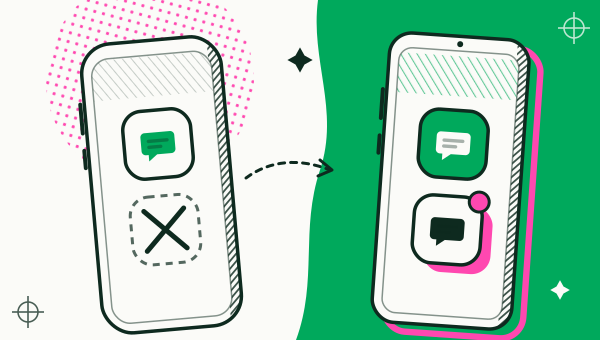
No, an iPhone cannot clone an app the way an Android phone can: there is no setting that runs two copies of the same app. Duo Clone runs on Android only (Android 6 through 16), and has no iOS version. If you need two accounts of one app on an iPhone, your real options are the account feature inside each app, Safari profiles for websites, or an Android phone.
Can you clone an app on iPhone?
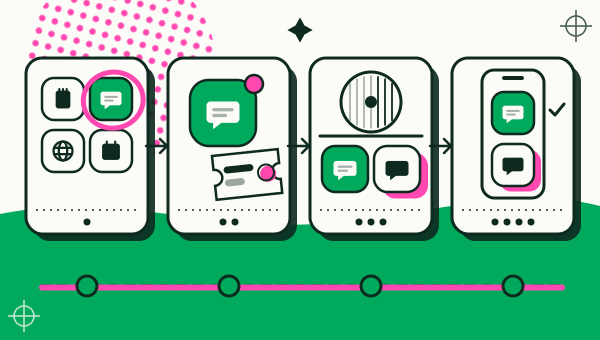
Not in the sense Android uses the word. On Android, an app cloner runs a second copy of an app, each with its own login and data. iOS has no equivalent: each app sits on the phone once, and there is no system option for a second copy.
Searches for “how to clone an app in iPhone” usually land on two things that are easy to mix up:
- Duplicating an icon. Using the Shortcuts app to add another icon only adds another button that opens the same app. It does not create a second copy or a second account.
- App Store apps that call themselves cloners. They are not Duo Clone. Read how they work, what permissions they ask for, and the terms of the app you want to use before you sign a real account in.
How can you use two accounts on an iPhone?
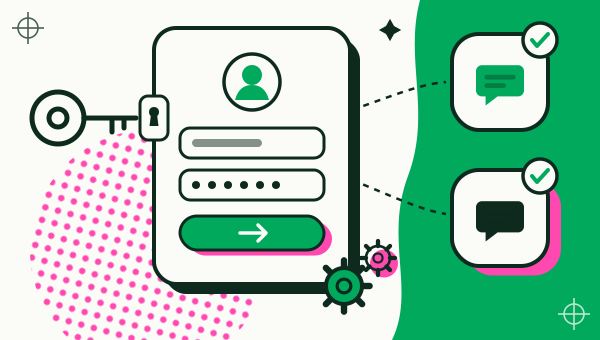
Use the account switcher inside each app, or Safari profiles for websites. Many big apps can add and switch accounts on iPhone:
- Facebook and Messenger. Meta’s help page describes switching between profiles, and Add or switch accounts on Messenger has separate instructions for iPhone. Facebook’s terms allow one personal account per person, so read them first.
- TikTok. Recent versions show an add-account option when you tap your username on the profile page. TikTok’s Help Center had no page describing it when we checked on 18 November 2026, so look for it in the app.
- Websites. Apple’s Safari profiles give each profile its own bookmarks, history and tabs (personal, work, school), so you can sign in to two web accounts without mixing them. Profiles apply to websites in Safari, not to apps.
Menu names and positions change between app versions, so if you can’t find an option, check that app’s own help page.
How do iPhone and Android differ for two accounts?
Android can run a second copy of an app with its own login, while iPhone can only switch accounts inside apps that support it.
| What you want | iPhone | Android with Duo Clone |
|---|---|---|
| Two copies of one app, one login each | No system way | Yes, unless the app is marked Protected |
| Switch accounts inside an app | Yes, in apps that support it | Yes, and you can use a separate copy |
| Two web accounts side by side | Safari profiles | Use the browser as usual |
| Notifications from each copy | Depends on the app | Yes, once allowed (not labelled with the copy’s name) |
The Android column holds only for Duo Clone and for apps that open inside a copy. Banking and wallet apps that need a secure environment will not run there (which apps can’t be cloned).
What if you need two logins running at once?
Use an Android phone: it is the practical way to keep two logins of one app running at the same time. If you have an old Android phone or plan to buy a spare, how to run two accounts on one Android phone shows each step with Duo Clone. If your Android phone already has a built-in dual-app feature, you may not need an app at all: see built-in dual apps by Android brand.
For the wider picture, read about running multiple accounts at once and separating work and personal accounts. The general limits of copies are in is cloning apps safe.
Duo Clone is not affiliated with Apple, Meta or TikTok, and those names are trademarks of their owners. This guide uses them only to answer the question people search for.
How we checked: the Duo Clone details here were compared with the app on 18 November 2026. The Meta and Apple pages linked above were read the same day; their menus can change.