Guides to multiple accounts on Android
Practical guides for running more than one account on one Android phone.
App cloning
An app cloner for Android
What Is an App Cloner? A Guide for Android Phones
An app cloner makes a second copy of an Android app so two accounts stay signed in at once. Each copy keeps its own login, but banking apps won't run in one.

How to clone an app on Android, step by step
How to clone or duplicate an app on Android with Duo Clone: pick the app, name the copy, sign in with a second account, and tell each copy apart.

Is an App Cloner Safe? What to Know Before You Clone
An app cloner is safe when it comes from a developer you can identify on Google Play and you use copies for separate logins. What Duo Clone reads and blocks.

Apps That Can't Be Cloned on Android, and Why
Banking and wallet apps refuse to run in a copy. Duo Clone marks them Protected in the Add App list and blocks them on purpose; keep using the original app.

App cloner APK vs Google Play: where to install from
An app cloner APK from a random site is riskier than a Play install: you can't tell who built it, and it may never update. How to check a cloner first.

Google Sign-In in Cloned Apps: Does It Work?
Google login works inside a Duo Clone copy through bundled microG. Why some cloners break it, and why copies in one Account share a single Google sign-in.

How to back up and restore a cloned app on Android
Back up a cloned app to a .xbak file locked with a password of 6+ characters, then restore it as a new copy or over an old one. A lost password can't be reset.
Can You Clone Apps on iPhone? What iOS Allows
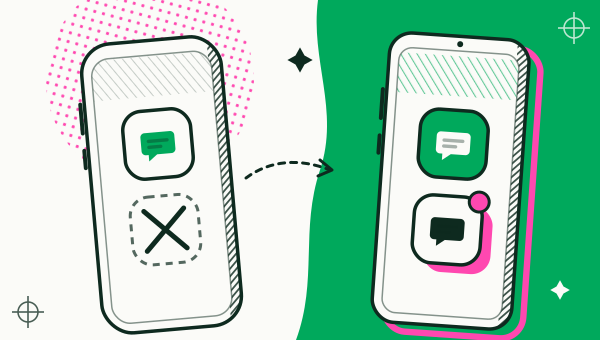
iPhone has no built-in way to clone an app the way Android does, and Duo Clone runs on Android only. What iPhone does offer for multiple accounts, said plainly.
Dual apps
Dual apps on any Android phone
How to Run Two Accounts on One Android Phone
Keep two logins of the same app open on one Android phone. Five steps with Duo Clone, from the add button to signing in, and how to tell the copies apart.
Where Is Dual Apps in Settings? Samsung, Xiaomi, OPPO
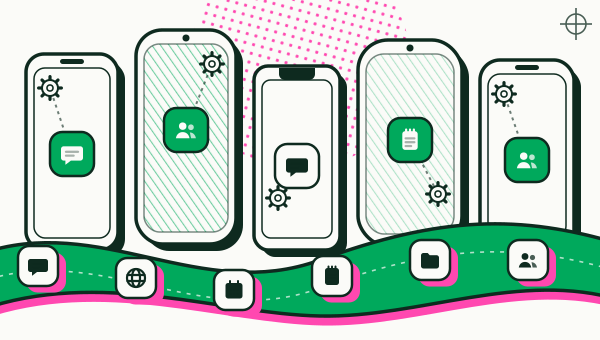
Which Android phones have built-in dual apps? Samsung puts it under Advanced features and Xiaomi under Apps. Menu names brand by brand, and when Duo Clone helps.
Dual Messenger on Samsung: What It Is, How to Use It
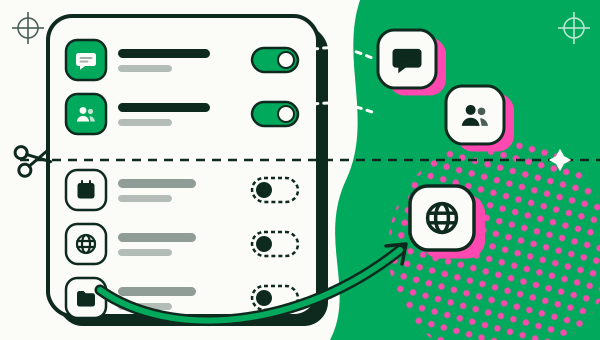
Dual Messenger on a Samsung Galaxy adds one extra copy of supported apps. How to turn it on in Advanced features, and when an app cloner like Duo Clone fits.
Second Space vs Dual Apps on Xiaomi: What's the Difference?
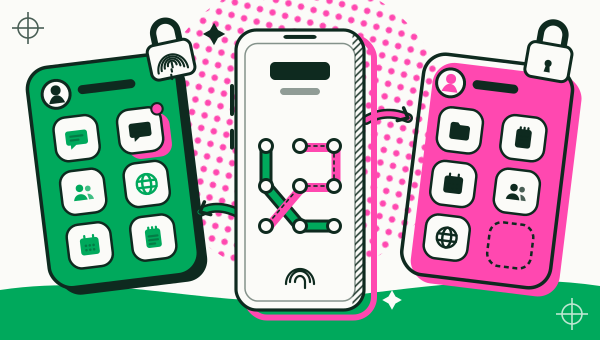
Second Space is a separate profile on a Xiaomi phone; Dual apps copies one app. How to turn Second Space on, switch and delete it, and which suits two accounts.
Multiple accounts
Multiple accounts, all signed in
Work and Personal Accounts on One Android Phone
Keep work and personal logins of one app apart on an Android phone with Duo Clone: one Account named Work, one named Personal, and a lock on the work copies.
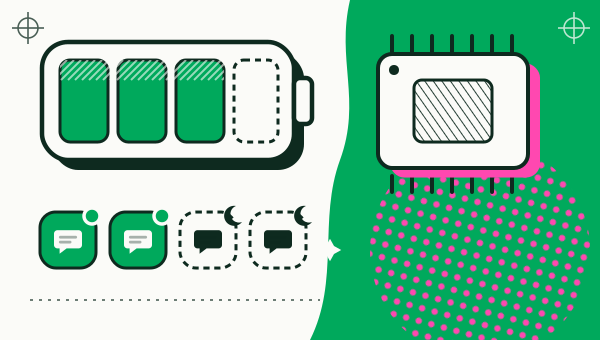
How to reduce battery and RAM use with cloned apps
Each running copy of an app uses memory and battery. See which copies run, stop the idle ones, and turn on auto-off after one minute off screen.

WhatsApp Clone App: Two Accounts on One Android Phone
WhatsApp now allows two accounts on one Android phone, each with its own number. When a clone app like Duo Clone still helps, and why WhatsApp mods are risky.

Two Instagram Accounts on One Android Phone
Instagram lets you add and switch accounts inside one app. See the steps and the limit, plus when a Duo Clone copy with its own icon and lock is the better fit.