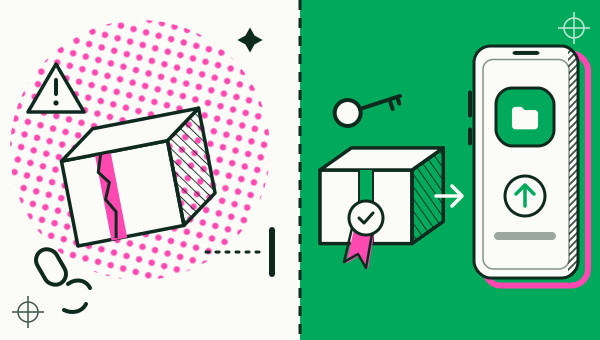
An app cloner APK from a random website is riskier than the same kind of app from Google Play. You cannot tell who built the file, Android may not be able to update it, and a cloner holds your logins, so the builder matters. Google Play is the only official channel for Duo Clone; it is never offered as an APK.
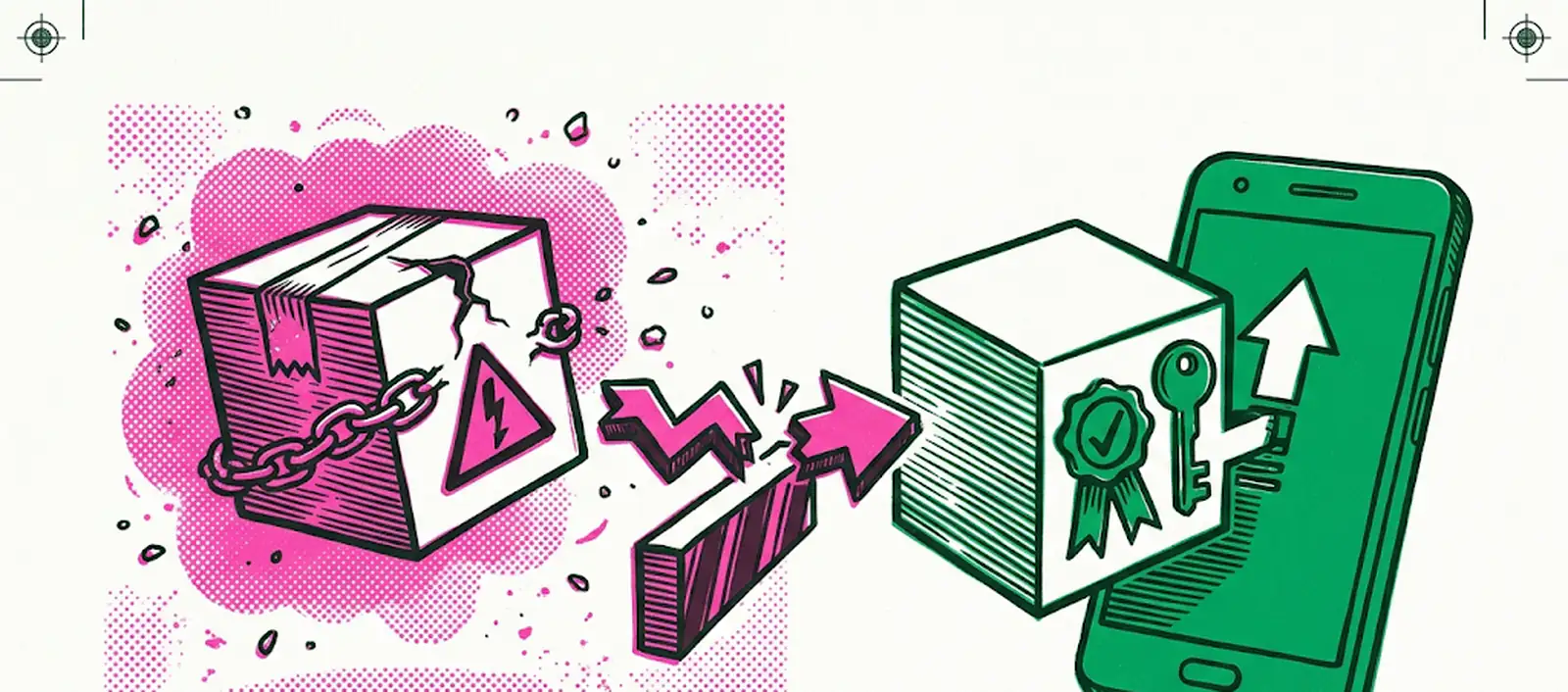
Why do people search for an app cloner APK?
People search for an APK because it is a file they can install without using the Play Store, often because they cannot find the app, use an older phone, or want to skip a step. APK is the file format Android uses to install an app, and Google Play installs apps as APK files behind the scenes too.
The file format is not the problem. The problem is where the file comes from and whether anyone vouches for it. If you searched for one cloner by name, the guide to Parallel Space APK goes through its editions, the 64-bit question and its Google Play listing.
Is an app cloner APK safe?
An APK is only as trustworthy as whoever built it and whoever hosted it, and a cloner is a bad place to trust a stranger. Three things go wrong more often with files from outside Google Play:
- You do not know the builder. A website can offer a repackaged copy of a real app with changes you cannot see.
- Updates may not arrive. Google Play updates the apps it installed. A file you installed by hand has no such link, so fixes depend on you finding and installing each new version yourself.
- The app sees your logins. A cloner runs other apps and holds their sign-ins. Whoever controls the cloner controls that place.
Not every APK is malicious, and Google Play is not a promise of perfection. But a store listing gives you a developer name, a privacy policy and a place to report problems. A random file gives you none of them.
How do app signatures and updates work?
Android requires every app to be signed with a certificate, and it uses that certificate to decide whether an update is genuine. When the system installs an update, it compares the certificate in the new version with the one in the installed version, and it allows the update only if they match. If they do not, the new file has to be treated as a completely new app (Android developers).
This is why a repackaged APK is a problem. It is signed by someone else, so it cannot update the genuine app, and it comes from someone you have no reason to trust. Android’s own documentation notes that a party who gets hold of a developer’s signing key could sign and distribute apps that replace the authentic ones.
What does Google Play Protect check?
Play Protect checks apps when you install them and scans your device periodically, including for potentially harmful apps from other sources. Google recommends that you keep it on. It may also ask to scan an app from outside Google Play that it has never seen, and it can block unverified apps that ask for sensitive permissions (Google Play Help).
It is a useful safety net with no guarantee attached, so use it as the final check.
What do Premium, Mod and Pro mean for an app cloner APK?
Premium is a paid tier from the app’s own developer, Mod is a file someone else has altered (often labelled “Premium Unlocked”), and Pro can simply be part of an app’s name. Only the second is a file the developer never released, and it is the one with the risks described above.
For App Cloner, which people search for as “app cloner premium”, the Google Play page “App Cloner Premium & Add-ons” (AppListo) is a companion for buying a subscription, add-ons, packages and extensions, and its description says it does not offer cloning itself. On the US Play page it showed 10M+ downloads and a 1.9 rating from 26.8K reviews (2.5 on the Indonesian page). The App Cloner app itself (com.applisto.appcloner) returned a 404 on Google Play in the US, India, Brazil, Indonesia, Vietnam and the UK. All of this was read on 20 November 2026 (Google Play) and can change. Duo Clone is not affiliated with AppListo.
A “Pro” in a title can also be a separate Google Play listing of its own, so match the developer and package name, not the label. A mod file is signed by someone else, so it cannot update the genuine app.
Which channel is official for Duo Clone?
Google Play is the only official channel for Duo Clone; it is never offered as an APK. This site does not offer an APK download. If a website offers a “Duo Clone APK”, do not use it. If you were looking for the original App Cloner by AppListo, see App Cloner alternatives.
Google Play also keeps the app updated. Duo Clone only copies apps already installed on your phone and never downloads code from outside Google Play.
How can you check an app cloner on Google Play?
Check five things on the listing before you install: the developer, the package name, the privacy policy, the data safety section and where the page sends you.
- Read the developer name. Duo Clone’s developer is XLAB (xlabcompany.com).
- Match the package name. Duo Clone’s package name is
com.xlab.duoclone. An app with a similar title but a different package name is not Duo Clone. Many apps can share one name, as the Multi Space app search shows. - Open the privacy policy. A cloner that reads your apps should say what it does with them. Duo Clone’s is on the privacy page.
- Read the data safety section and the permissions. A cloner should ask for only what it needs to run copies.
- Be wary of listings that send you elsewhere. A page that asks you to download a file from another site instead of installing from Google Play is a warning sign.
What if you already installed an APK?
Remove it and install the app from Google Play. First, know that uninstalling a cloner can remove the copies it holds along with their local data, so sign out of accounts you may need and save what the app lets you export.
Then follow these steps:
- Uninstall the APK-installed cloner.
- Turn off “Install unknown apps” for the browser or file manager you used. On Android 8 and newer this is a per-app setting, and on Android 6 and 7 it is a single “Unknown sources” switch.
- Open Google Play, tap your profile picture, open Play Protect and run a scan. Menu wording can differ by phone.
- Install the cloner from Google Play.
Once you are set up, follow the step-by-step guide, or read what an app cloner is and whether cloning is safe.
How we checked: Duo Clone’s developer, package name and official channel (Google Play only) were compared with the app on 18 November 2026. The Android and Google Play pages linked above were read the same day; their wording can change. The App Cloner Premium & Add-ons and com.applisto.appcloner pages on Google Play were read on 20 November 2026.