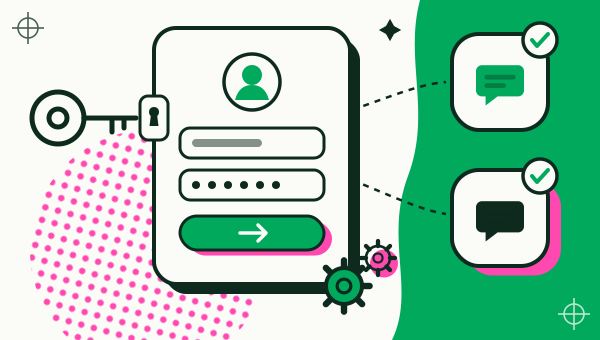
Yes, Google sign-in works inside a copy made with Duo Clone, because Duo Clone bundles microG, an open-source stand-in for Google’s sign-in services. Copies in the same Account share one Google sign-in, so pick a new Account when a copy needs a different Google account. Some cloners change the app’s signature to make a copy, and their own documentation says Google logins will not work with that method. Duo Clone runs the installed app instead of re-signing it, which is why the login works; apps that demand Google’s device attestation can still refuse a copy.
Does Google sign-in work in a cloned app?
Yes, Google sign-in works in a Duo Clone copy on Android 6 to 16. Apps that offer “Sign in with Google” or ask you to add a Google account can complete that step inside a copy. You sign in once inside the copy, the way you would in the original app.
How well it works can still depend on the app. Duo Clone does not promise that every app accepts the sign-in, and banking, wallet and other apps that ask for a secure environment are refused on purpose (apps that can’t be cloned).
What is microG, and why does Duo Clone include it?
microG is a free, open-source reimplementation of Google’s sign-in and related services for Android, published under the Apache License 2.0. Duo Clone includes it so a copy has something to answer when an app asks for a Google account. Duo Clone’s open-source licences screen lists it as “microG GmsCore”, with the copyright “microG Project Team” and a link to the microG source code.
Two details from that screen are worth knowing. Duo Clone builds it from the official microG release. The only changes are that unused x86 native libraries and the original signature files were removed to reduce the app’s size. Apache 2.0 asks that the licence notice travel with the app, and Duo Clone shows it on that screen.
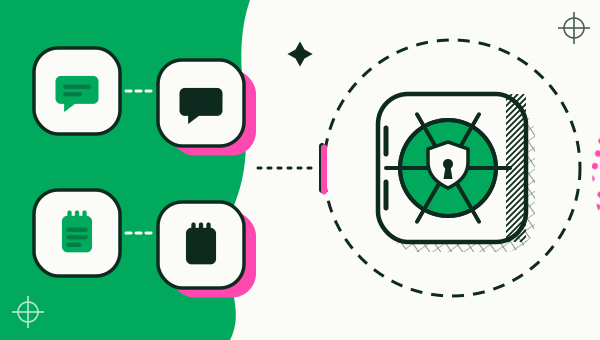
Duo Clone sets microG up per Account rather than using your phone’s own Google services. A copy’s Google login is therefore handled inside Duo Clone, separately from the Google account your phone itself uses.
Why do some cloners break Google login?
Some cloners make a copy by building a new APK with a new signing certificate, and a Google login can check that certificate. The maker of one such cloner says so on its own page. Its compatibility notes read: “Features that depend on the app certificate like Google logins, Google Play Services, Google Play Games, Google Drive backup or in-app purchases WILL NOT WORK!” (appcloner.app, “Incompatibilities” section, checked 18 Nov 2026). The same notes add: “Cloning an app will change its certificate”.
That is the trade-off of this approach, stated openly so you can weigh it. It is a reason to check what a cloner does before you rely on Google login with it.
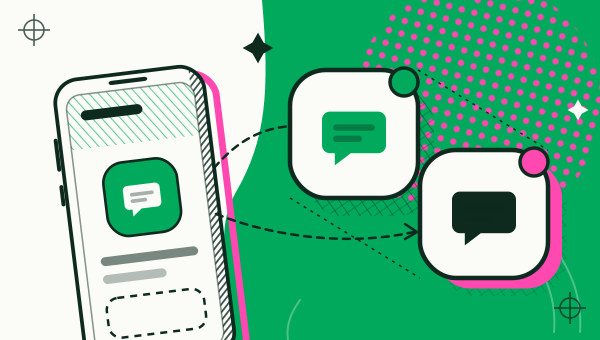
Duo Clone takes a different route. It does not install a re-signed copy of your app. It runs the app that is already on your phone inside its own environment and gives that environment microG for the sign-in step. That is why a Google login can work there.
How do Accounts and Google sign-in fit together?
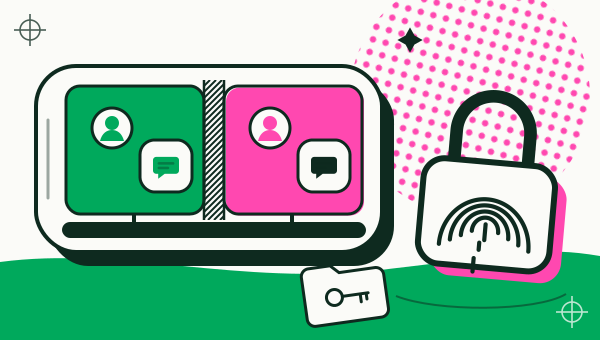
Each Account in Duo Clone is a separate space, and apps in the same Account share one Google sign-in. The setup sheet says it in one line: “Each Account is a separate space; apps in the same Account share Google sign-in.”
In practice this gives you two rules:
- Same Google account for two apps? Put both copies in the same Account and sign in once.
- Different Google account for a copy? Choose “New account” in the setup sheet. A copy in Account 2 signs in with its own Google account, apart from Account 1.
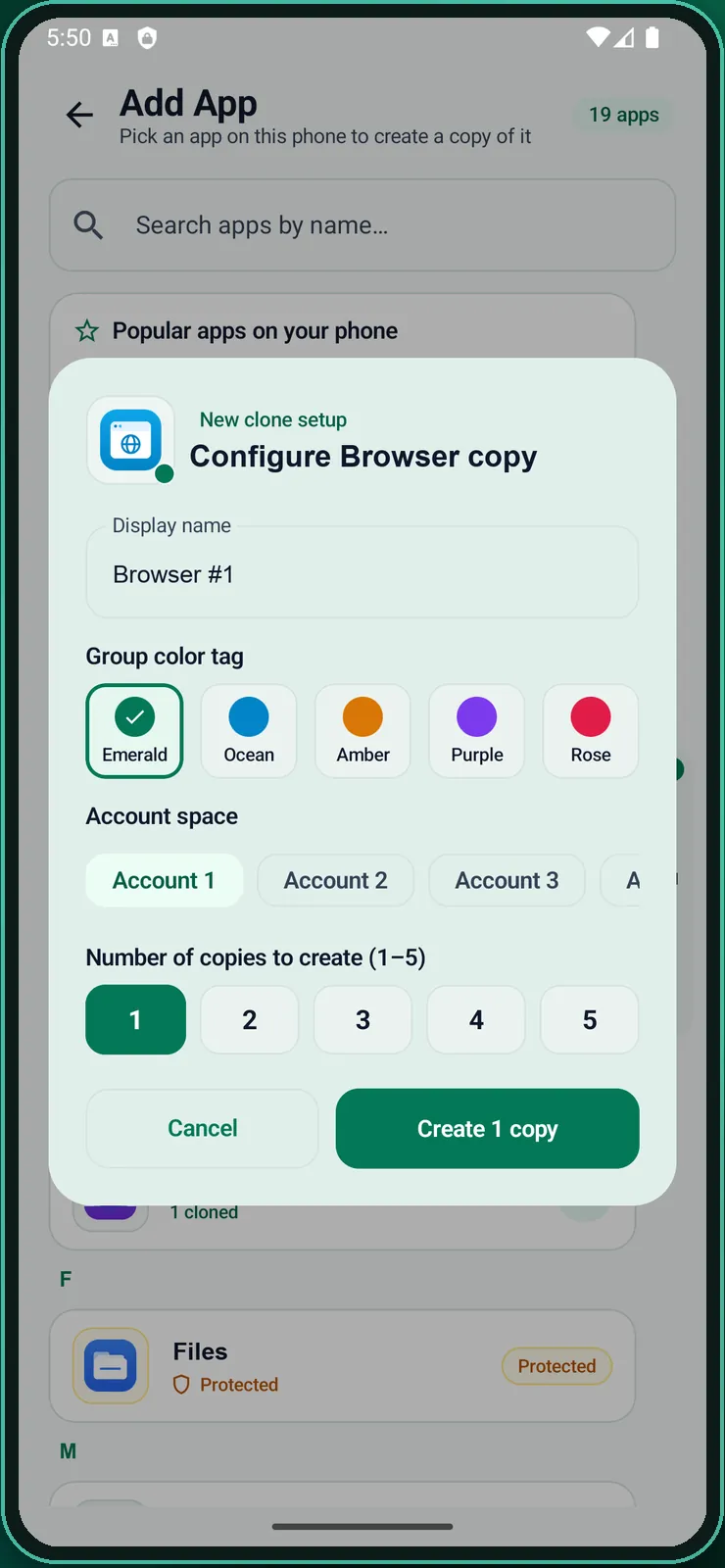
One more detail: an Account holds one copy of a given app. If you try to add the same app to an Account that already has it, Duo Clone tells you to pick another Account or a new one. That is how two copies of the same app end up with two different Google accounts. The step-by-step version is in how to clone an app on Android, and the work and personal case is in separating work and personal accounts.
How do you sign in with a second Google account in a copy?
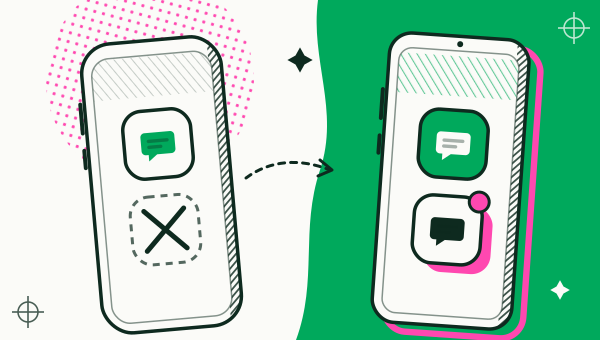
Put the copy in a new Account, open it and sign in there.
- Open Duo Clone, tap Add app and pick the app.
- In the setup sheet, choose “New account” in the Account row.
- Tap Create, then open the copy from My Clones.
- Choose the app’s Google sign-in option and enter the second Google account.
- Keep the original app on its first account. Both stay signed in.
The sign-in screens come from the app and from microG, so wording and steps can differ from one app to the next.
What will not work, even with microG?
Apps that demand Google’s device attestation can refuse to run in a copy. Duo Clone’s bundled microG does not include DroidGuard and does not call Play Integrity or SafetyNet, so an app that insists on that check may not accept the copy. Banking and wallet apps fall in this group, and Duo Clone blocks them on purpose.
Three more limits:
- Accounts are not a vault. Accounts keep sign-ins apart, but copies share your phone’s Android user. A sign-in saved in one Account is not protected from a malicious app in the same way a separate user profile would be (is an app cloner safe).
- A backup holds your sign-in. An encrypted backup file contains the copy’s signed-in account and personal data. Keep it safe, and remember that without the password it cannot be restored.
- This page covers sign-in only. We do not state how every purchase or game-service feature behaves inside a copy; test an app before you depend on it.
Is it safe to enter a Google password in a copy?
Entering a Google password in a copy is as safe as the phone it sits on, with the limits above. The sign-in stays on your phone, and the microG code is open source under Apache 2.0. Turn on Google’s 2-step verification for any account you sign in with, use a different password for each account, and treat any Duo Clone APK as fake, because Google Play is its only official channel (APK or Google Play).
For the bigger picture, see the app cloner overview and the FAQ.
How we checked: the setup sheet, the Account rules and the open-source licences screen were compared with the Duo Clone app on 18 November 2026, on an Android 16 emulator with generic sample apps.